


Description
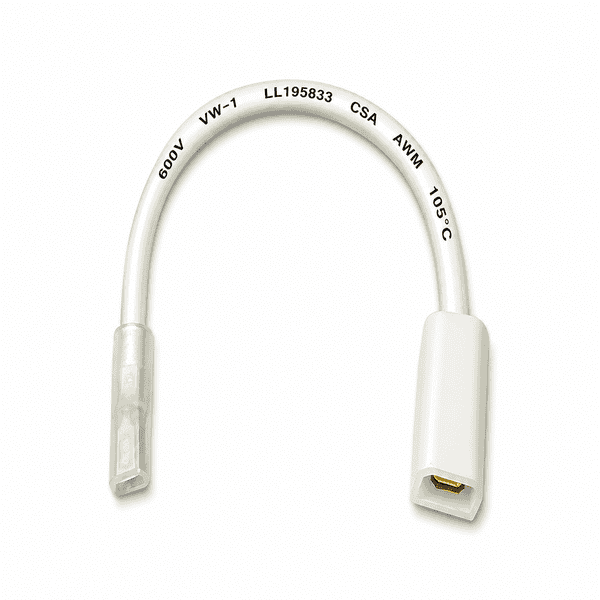
Kirby Headlight Connection Cable – Reliable Power Supply for Your Headlight
The Kirby Headlight Connection Cable is an essential electrical component that connects the electric motor of your Kirby vacuum cleaner to the headlight at the front of the machine. This connection cable ensures that the headlight receives power as soon as the vacuum cleaner is switched on. As a result, you have a clear view of the floor while vacuuming.
What Is the Function of the Kirby Headlight Connection Cable?
The connection cable provides the electrical connection between the motor/switch assembly and the headlight of your Kirby vacuum cleaner. As soon as you switch on the machine, the headlight receives power through this cable.
This allows you to see dust, dirt and crumbs more easily, especially on dark floors and in hard-to-reach areas. Furthermore, the cable is suitable for Kirby headlights equipped with an LED or halogen bulb, depending on the vacuum cleaner model.
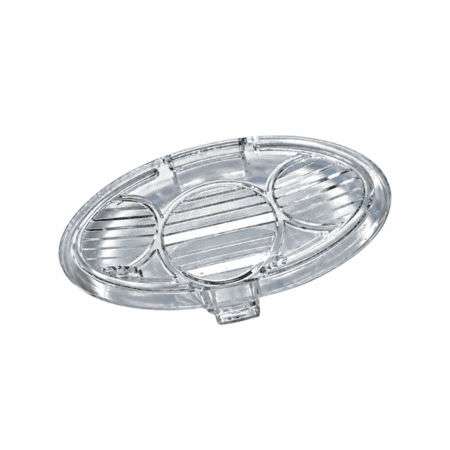
For other headlight components, you can also explore our range of Kirby headlight bulbs and covers.
When Should the Headlight Connection Cable Be Replaced?
Over time, prolonged use, vibrations and general wear can damage the connection cable. Consequently, the power supply to the headlight may be interrupted.
Possible problems include:
- The headlight no longer works, even though the bulb is intact.
- The light operates intermittently due to a loose connection.
- The cable shows visible signs of wear or broken wires.
- The electrical connectors are damaged or do not make proper contact.
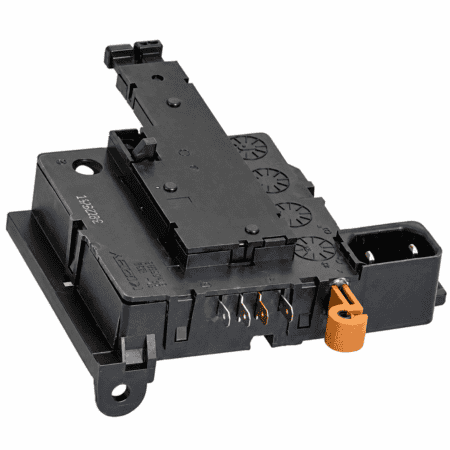
When these problems occur, replacing the connection cable may be necessary. In addition, check the Kirby headlight holder including sliding console – refurbished, as a damaged headlight holder can also cause lighting problems.
Replacing the Kirby Headlight Connection Cable
Replacing this cable requires extensive disassembly of the Kirby vacuum cleaner. The connection cable runs from the motor/switch assembly, behind the main power switch, to the headlight at the front of the machine.
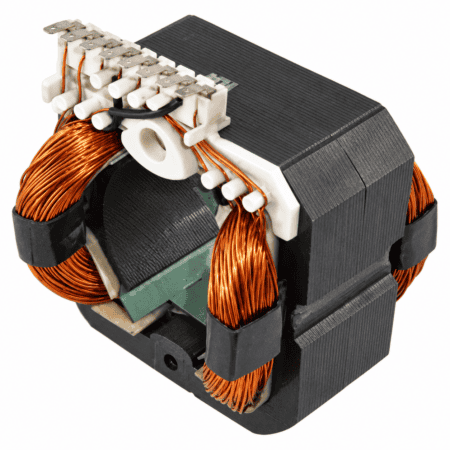
Therefore, several housing components, the main power switch and the electric motor must be removed to access the cable. For additional replacement components, explore our range of Kirby motor parts.
Step-by-Step Guide to Replacing the Connection Cable
- Disconnect the power: Always unplug the vacuum cleaner from the electrical outlet before starting any disassembly.
- Remove the housing covers: Loosen the mounting screws and carefully remove the aluminium and plastic housing covers.
- Remove the electric motor: Remove the motor and then the main power switch to gain access to the cable connection.
- Disconnect the old cable: Remove any cable ties and disconnect the connectors from the motor/switch assembly and the headlight socket.
- Install the new connection cable: Route the cable through the housing along exactly the same path as the original cable and connect both connectors correctly.
- Secure the cable: Use a new cable tie to prevent the cable from moving, vibrating or becoming trapped during operation.
- Reassemble the components: Reinstall the main power switch, electric motor and housing covers, ensuring that all screws are securely tightened.
Important: Since replacing this cable involves working with electrical components, installation by a qualified Kirby service technician is recommended.
Compatible with All Kirby Vacuum Cleaner Models
The Kirby headlight cable is compatible with all Kirby vacuum cleaner models, from the older Generation series to the latest Avalir Platinum.
Compatible Kirby models:
- Kirby Avalir Platinum
- Kirby Avalir 2
- Kirby Avalir 1
- Kirby Sentria 2
- Kirby Sentria 1
- Kirby Ultimate G Diamond
- Kirby Ultimate G
- Kirby G6
- Kirby G5
- Kirby G4
- Kirby G3
Thanks to its wide compatibility, the Kirby headlight connection cable is a practical replacement part for restoring a faulty headlight connection. Furthermore, a correctly installed cable ensures a reliable power supply, allowing the headlight to function properly again.



Reviews
There are no reviews yet.